
slow internet connection
Slow Internet connection: a practical diagnosis in 10 steps
Restarting the router can help, but it does not explain what happened. A diagnosis in a fixed order avoids replacing hardware at random and produces clearer information for support.
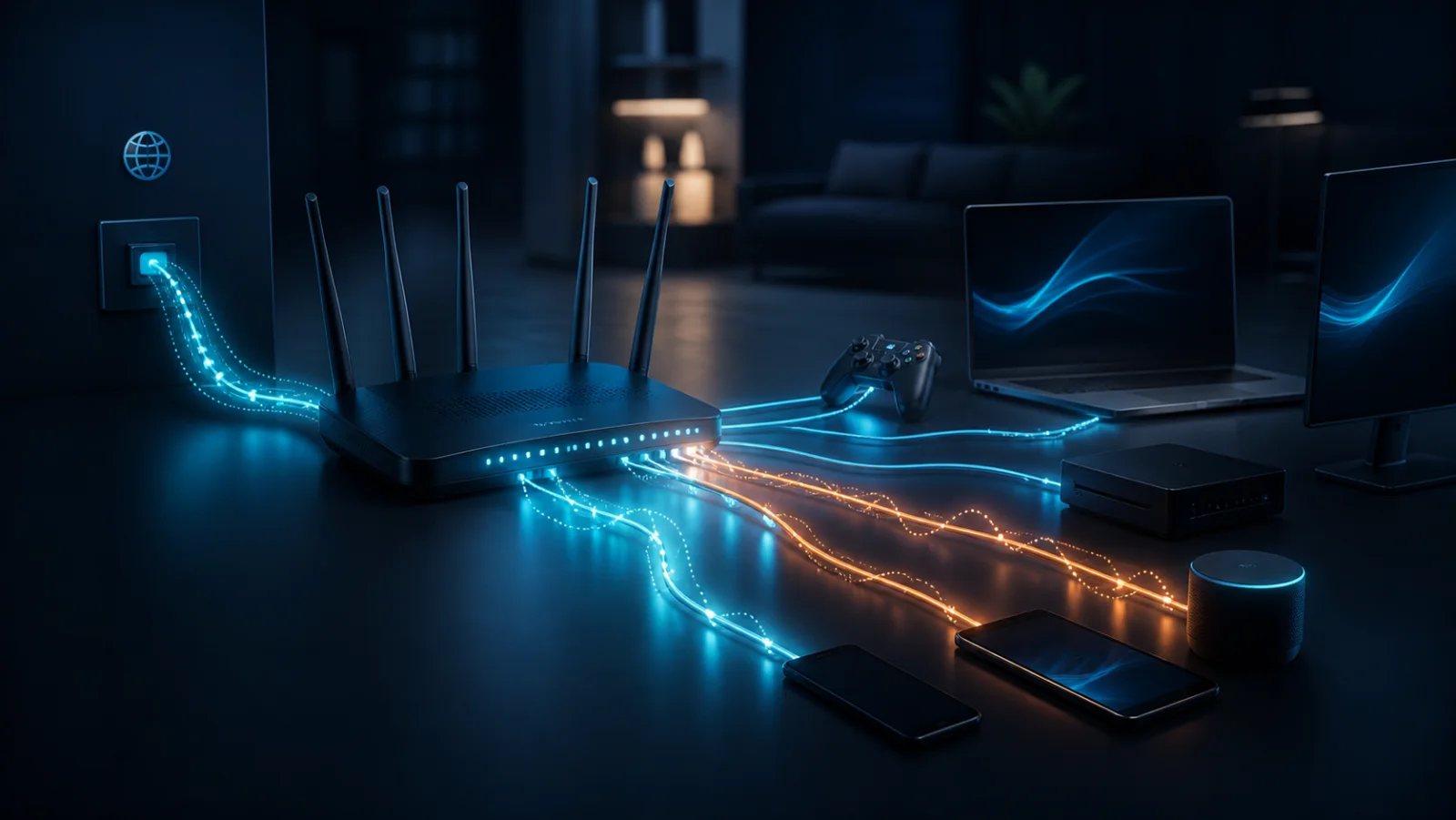
Define the scope first
Check whether the problem affects one website, one device or the whole home. Compare a second service and device, and note whether the issue is continuous, intermittent or limited to specific hours.
Ten checks in a useful order
Inspect cables and router lights, pause transfers, disconnect the VPN, compare devices, compare Wi-Fi with Ethernet, measure download/upload/ping, restart once, check device load, repeat later and review the provider’s official incident page.
Interpret without changing everything
Slow Wi-Fi far from the router points to coverage; weak Ethernet on several devices at different times justifies investigating the access or provider network. Change only one condition at a time so the effective correction remains identifiable.
Build a usable history
Keep complete results, including failures and conditions. Measurements spread over a week can reveal a recurring pattern. FiberPulse presents that chronology as indicative evidence, not a legal verdict.
Frequently asked questions
Why is Internet slow only in the evening?
Local or provider-network load may rise in the evening. Repeated tests at matching times can confirm the pattern.
Does rebooting the router solve the cause?
It may clear a temporary state, but recording the symptoms before the reboot is essential if the issue returns.