
fiber internet speed test
Fiber Internet speed test: check the real speed of your plan
A 1 Gbps fiber plan does not mean every device will display exactly 1 Gbps. Network ports, cables, Wi-Fi, the computer and the route to the test server can each become the bottleneck.
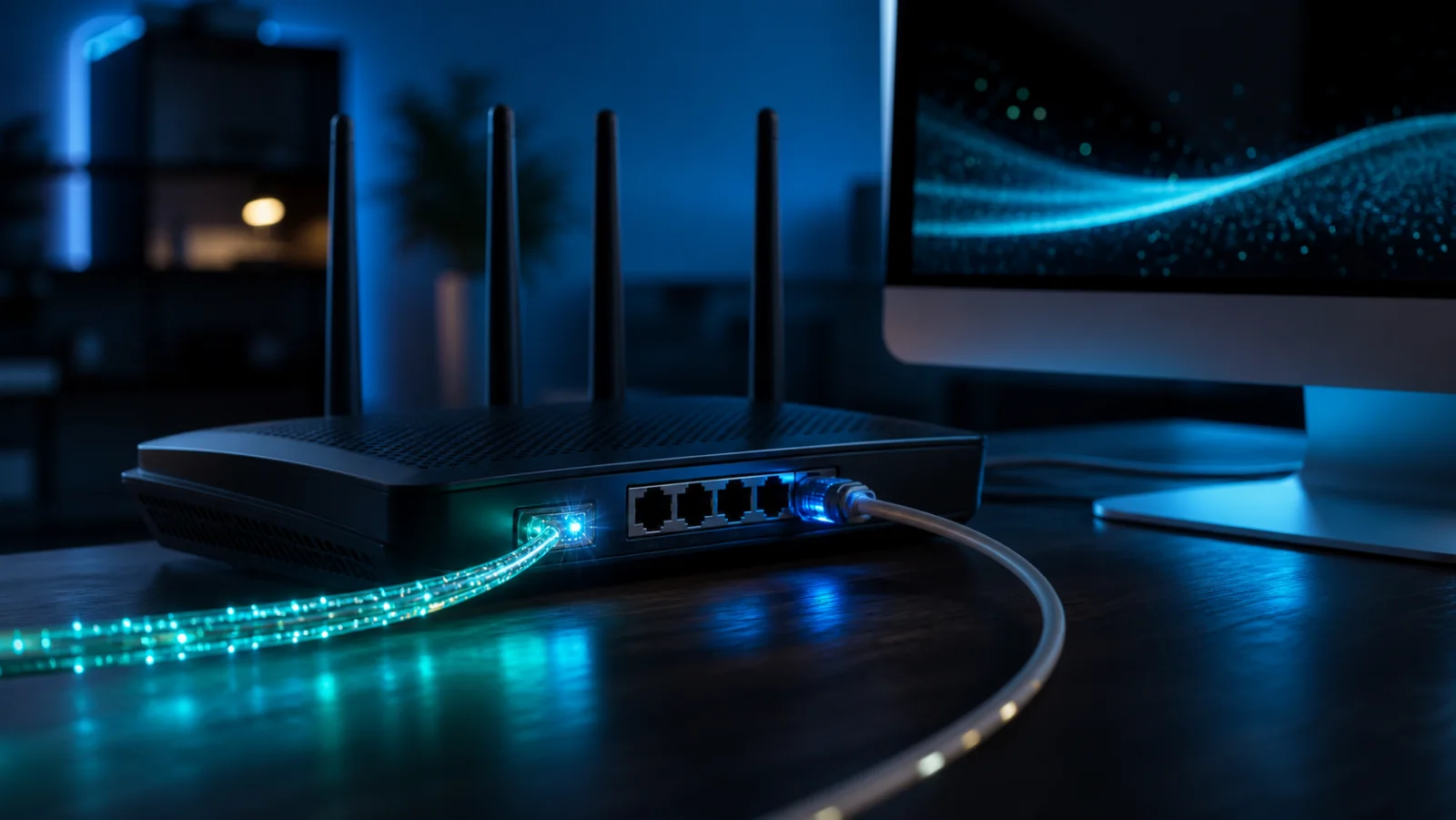
Advertised speed and observed speed
The commercial rate usually describes a maximum access capability. Application throughput also includes protocol overhead and equipment limits. A small gap can be normal; a large and repeatable gap deserves investigation.
Run a useful fiber test
Connect a capable computer directly by Ethernet, verify the negotiated link rate, stop heavy traffic and the VPN, then repeat measurements while keeping the time and server. Multi-gigabit plans require compatible 2.5 Gbps or faster hardware.
Why Wi-Fi can hide fiber performance
Distance, walls, neighboring networks, frequency bands and the device radio all affect Wi-Fi. If Ethernet is normal and Wi-Fi is not, examine local coverage before blaming the fiber access.
Prepare information for support
Keep several wired results, the subscribed plan, router and adapter models, and the affected times. FiberPulse organizes these observations without claiming to determine provider responsibility on its own.
Frequently asked questions
Why is my result below 1 Gbps?
A 1 Gbps port, Wi-Fi, the cable, protocol overhead or the computer can limit the test before the fiber line does.
Does one fiber test prove a provider fault?
No. It is an indicator that should be repeated and completed with the provider’s official checks.