
wifi vs ethernet speed
Wi-Fi vs Ethernet speed: why the results differ
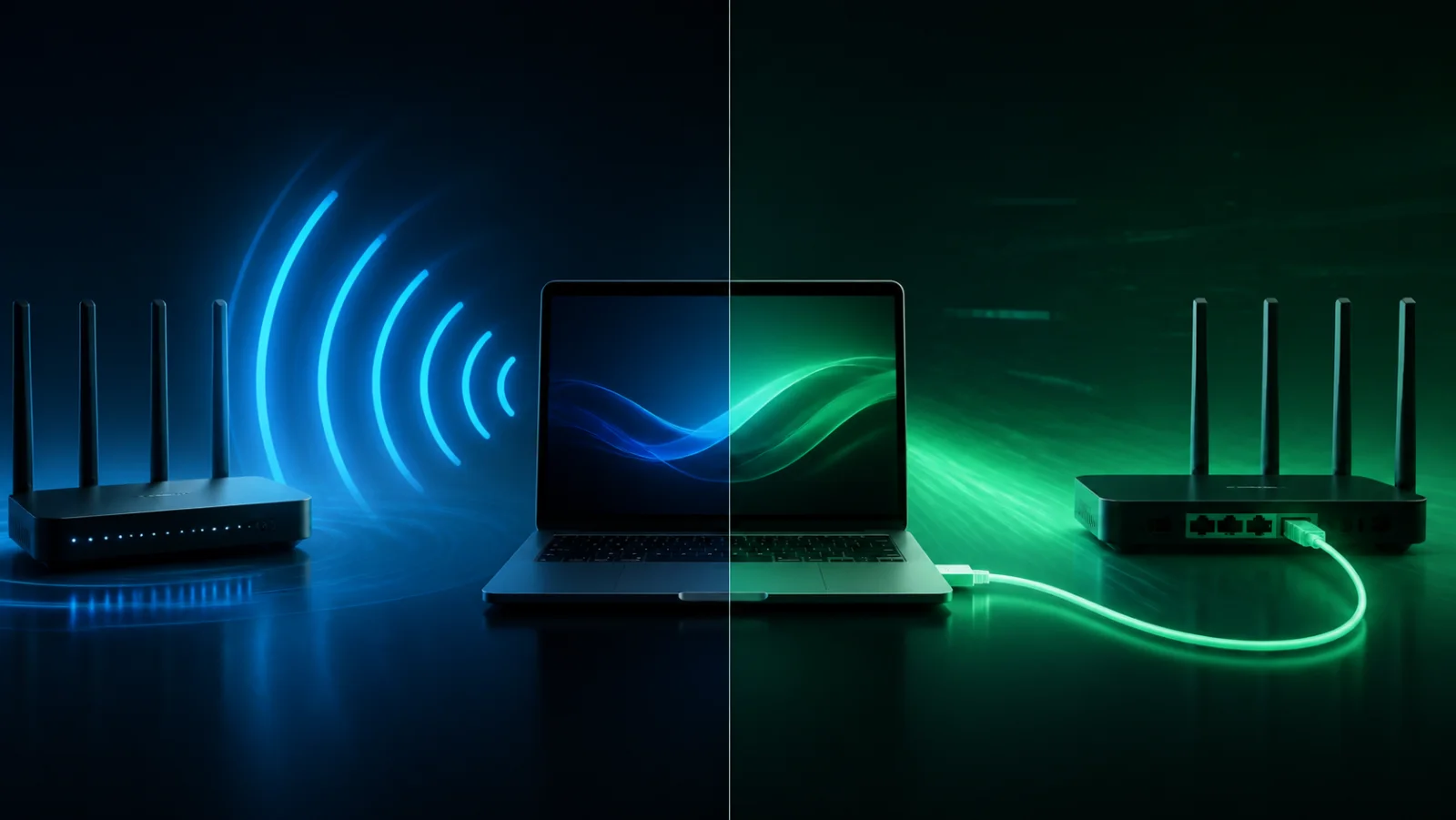
Wi-Fi is convenient but uses a shared and changing radio medium. Ethernet provides a dedicated wired link. Comparing them helps determine whether a slowdown occurs before the router or between the router and the device.
Why Ethernet is the reference
A correctly negotiated cable is stable and less affected by neighboring networks. Check that the port is not limited to 100 Mbps and that the cable is sound; Ethernet reduces variables but does not prove the access line is perfect.
Normal Wi-Fi limits
Distance, walls, channel use, frequency band and device capabilities determine the result. Marketing link rates are theoretical radio totals, not guaranteed application throughput for one device.
Make a fair comparison
Use the same computer and server at nearby times. Test Ethernet first, Wi-Fi next to the router, then Wi-Fi in the affected room. Keep the VPN and background traffic in the same state.
Improve the network methodically
Move the router, inspect channels and prefer wired access points. A poorly placed repeater can repeat an already weak signal. FiberPulse stores the connection type so unlike tests are not treated as equivalent.
Frequently asked questions
Can Wi-Fi be as fast as Ethernet?
Yes in favorable conditions, but it remains more variable and more dependent on the radio environment.
Why does my cable connect at only 100 Mbps?
The port, damaged or incomplete cable pairs, or degraded negotiation can force a 100 Mbps link.